Ready
Responsive
Responsive design allows Basis layouts and content to seamlessly adapt fit any screen, from smallest phone to widest desktop.
Styles
.small
375px - 767px
Usage Example
Portrait tablets and mobile phones
.medium
768px - 1039px
Usage Example
Small laptops and landscape tablets
.large
1040px - 1439px
Usage Example
Laptops
.x-large
1440px and up
Usage Example
Large laptops, desktops, and external monitors
Best Practices
Desktop-First Approach
Since Basis is primarily used on desktop, start with the Xlarge breakpoint and scale down from there. This ensures a good user experience for our primary use cases, and then provides support for edge-case mobile use cases.
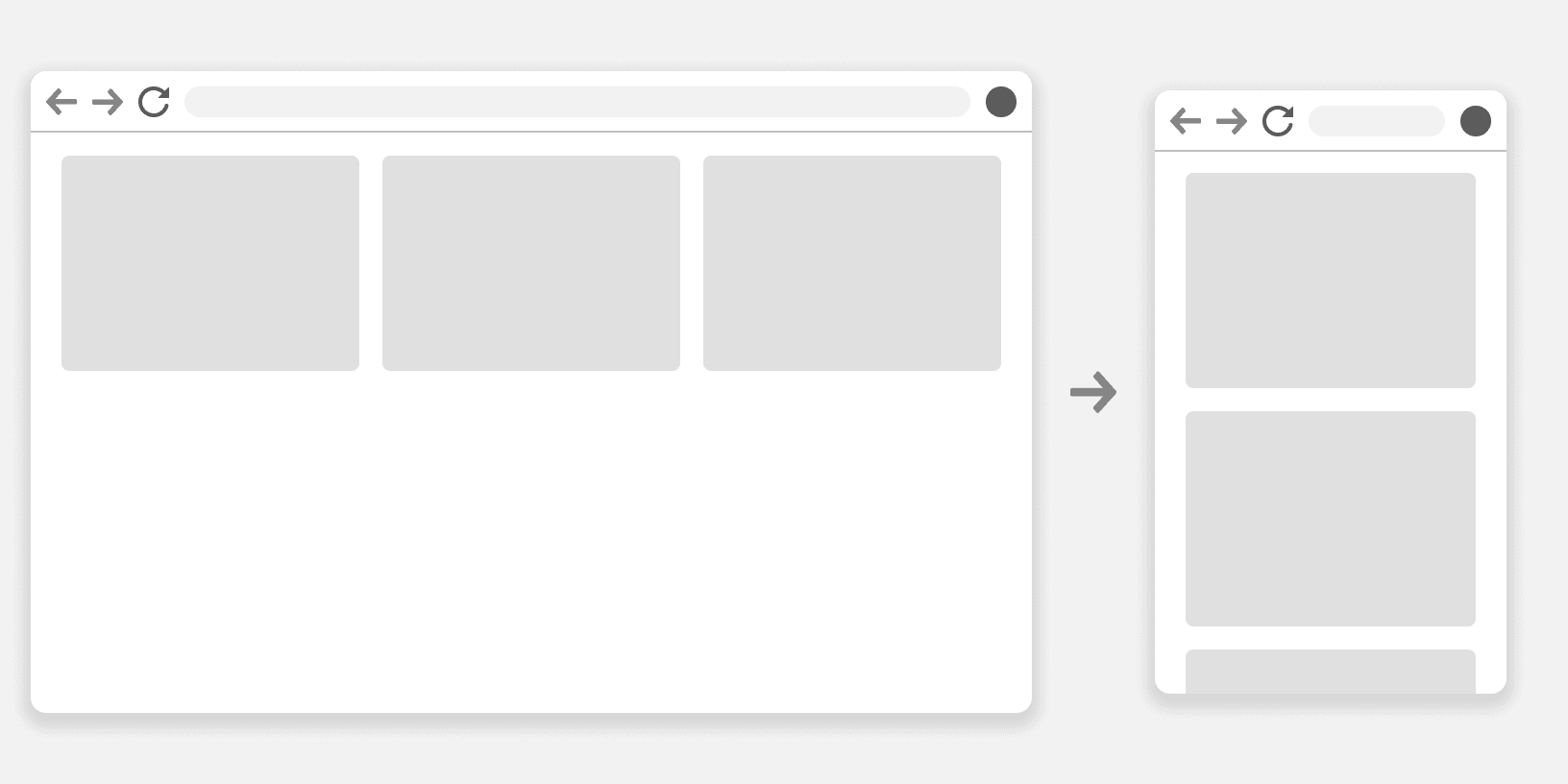
Do
Prioritize and Hide Content
Identify essential content that must always be visible and what can be hidden or accessed differently on smaller screens. Use techniques like progressive disclosure, accordions, or tabs to manage content effectively. ¹
Use Layout Classes
Employ our layout classes to adapt to different screen sizes while maintaining consistency. Use the various stacking method classes to change layout direction depending on available space of that breakpoint.²
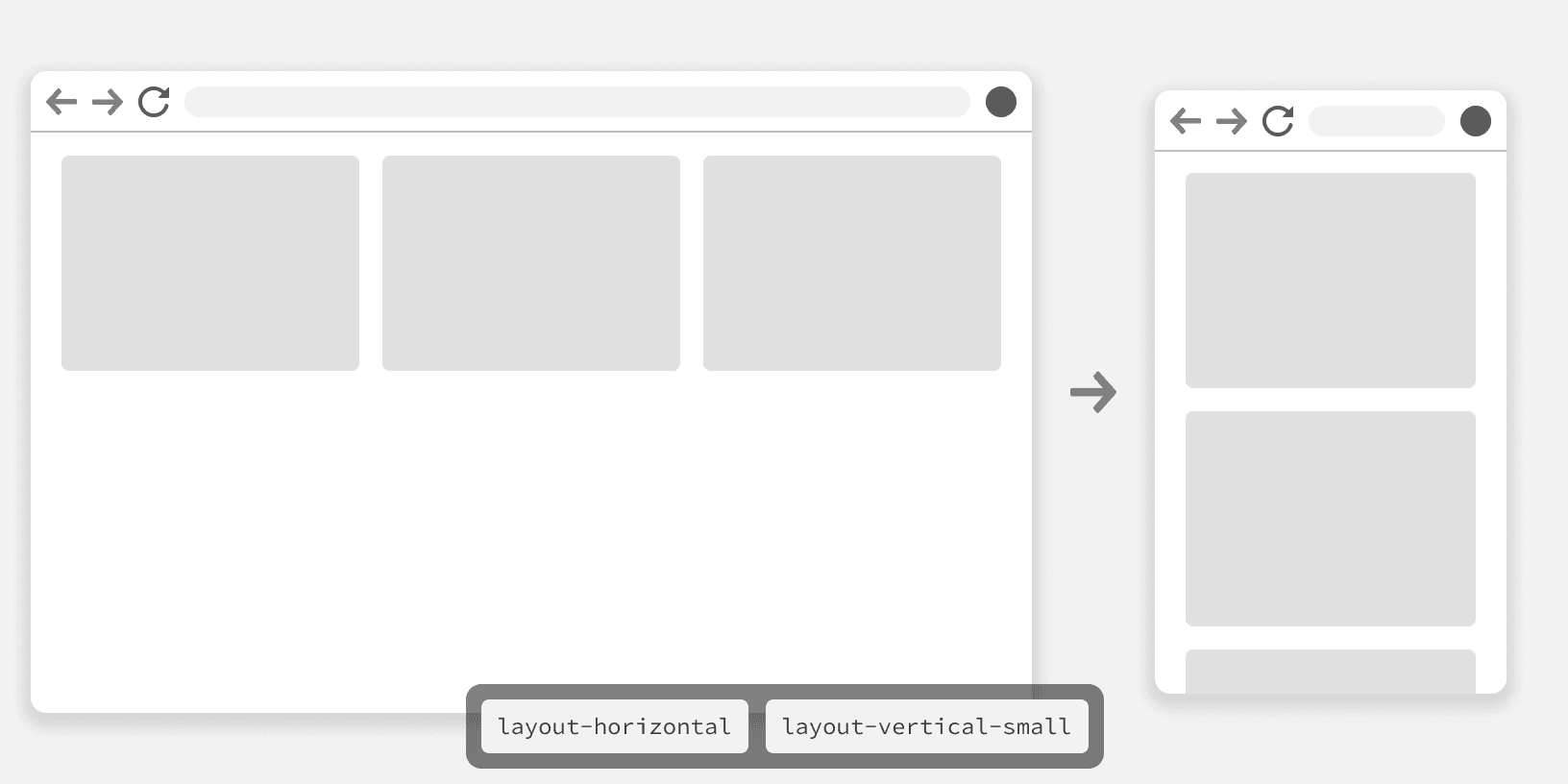
Do
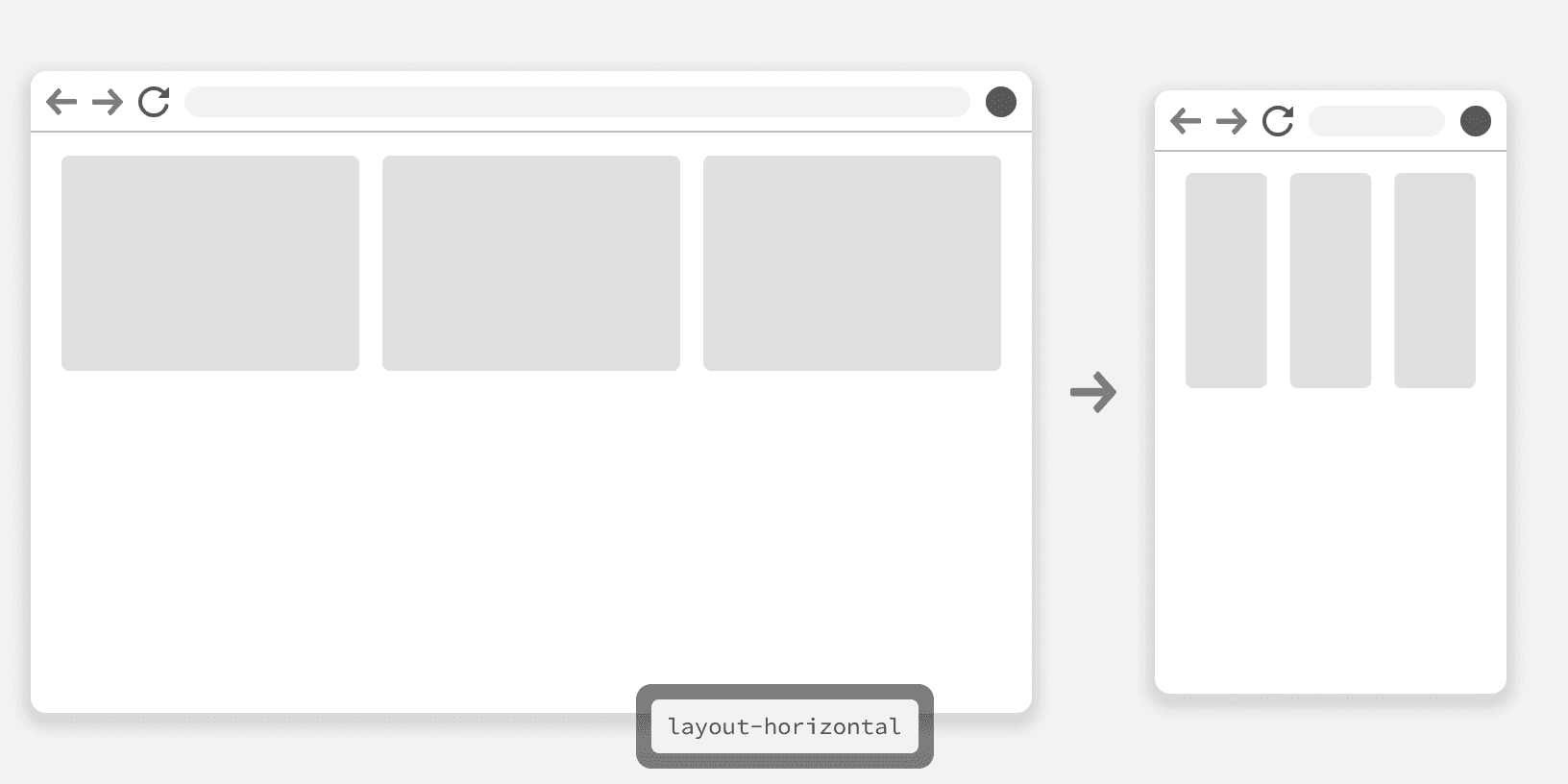
Don't
Testing
Thoroughly test your responsive design on a variety of devices and screen sizes. Use browser developer tools and emulators to simulate different user experiences. ²
More
Additional Reading
Responsive Design: Best Practices & Examples https://www.uxpin.com/studio/blog/best-practices-examples-of-excellent-responsive-design/
Responsive Across All Devices: An Incredible Guide to Responsive UI/UX Design https://bootcamp.uxdesign.cc/responsive-across-all-devices-an-incredible-guide-to-responsive-ui-ux-design-7d710eddc9c8
Responsive Design Best Practices https://uxplanet.org/responsive-design-best-practices-c6d3f5fd163b
Responsive Web Design (RWD) and User Experience https://www.nngroup.com/articles/responsive-web-design-definition/