Ready
Data Visualization
Data visualizations make complex data easier to understand and help users answers specific questions.
Anatomy
Most Basis data visuals are built using Recharts, a composable charting library built on React components.
Variants
Color Palettes
Categorical
Categorical colors are used to represent non-numerical items with no inherent ordering. The colors are chosen to be visually distinct to help users distinguish between the different items in the data visual.
Sequential
Sequential colors are used to represent numerical values with an inherent ordering.
Divergent
Divergent colors are used to represent used to represent numerical values with an inherent ordering that include two extremes. There is a baseline value between the two extremes.
Feedback
Feedback colors are used to represent data that is either within or outside of a defined threshold.
Best Practices
Data Visibility
Make data values visible when possible. Do not rely on hover states to convey important data.
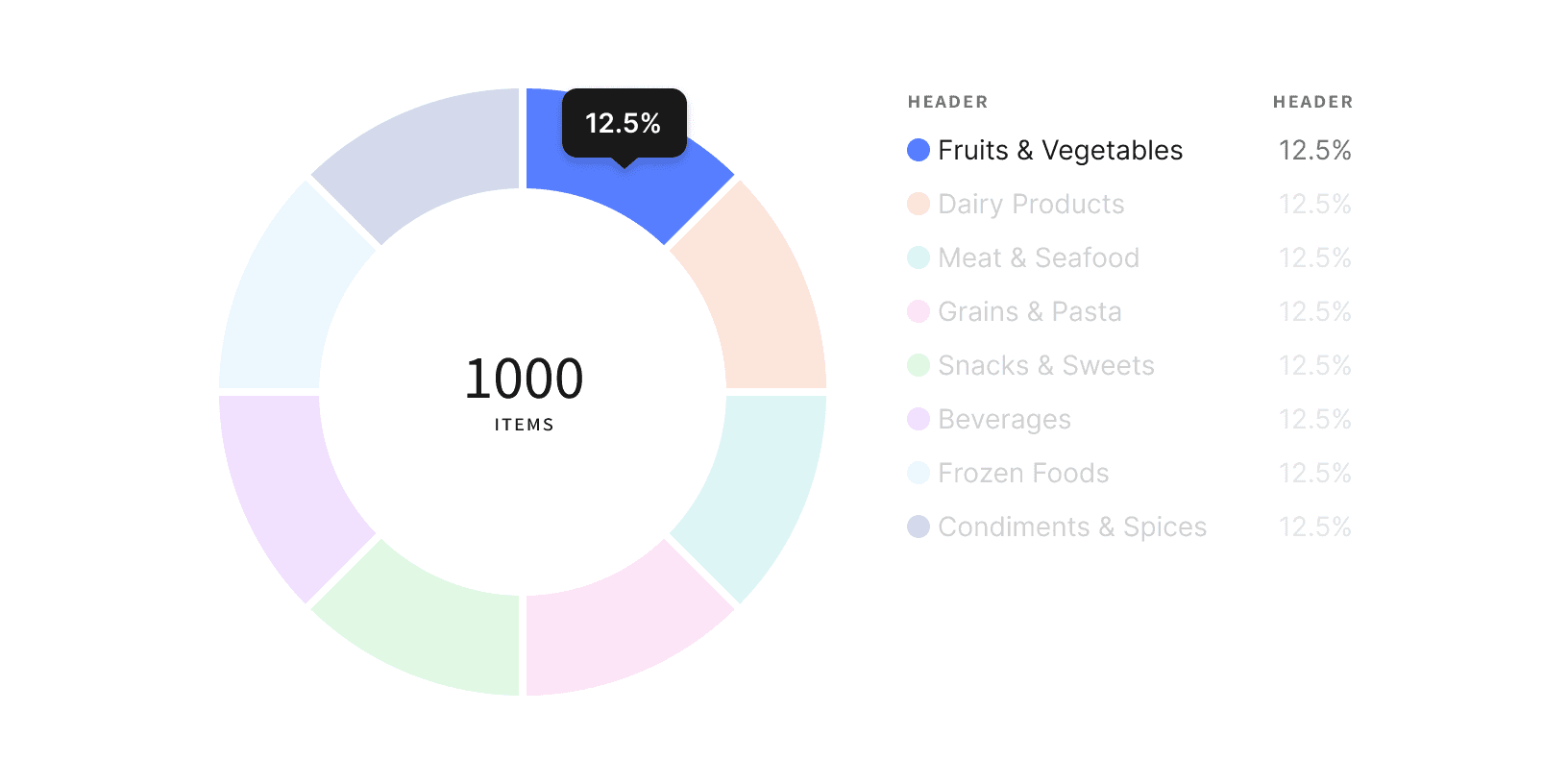
Do
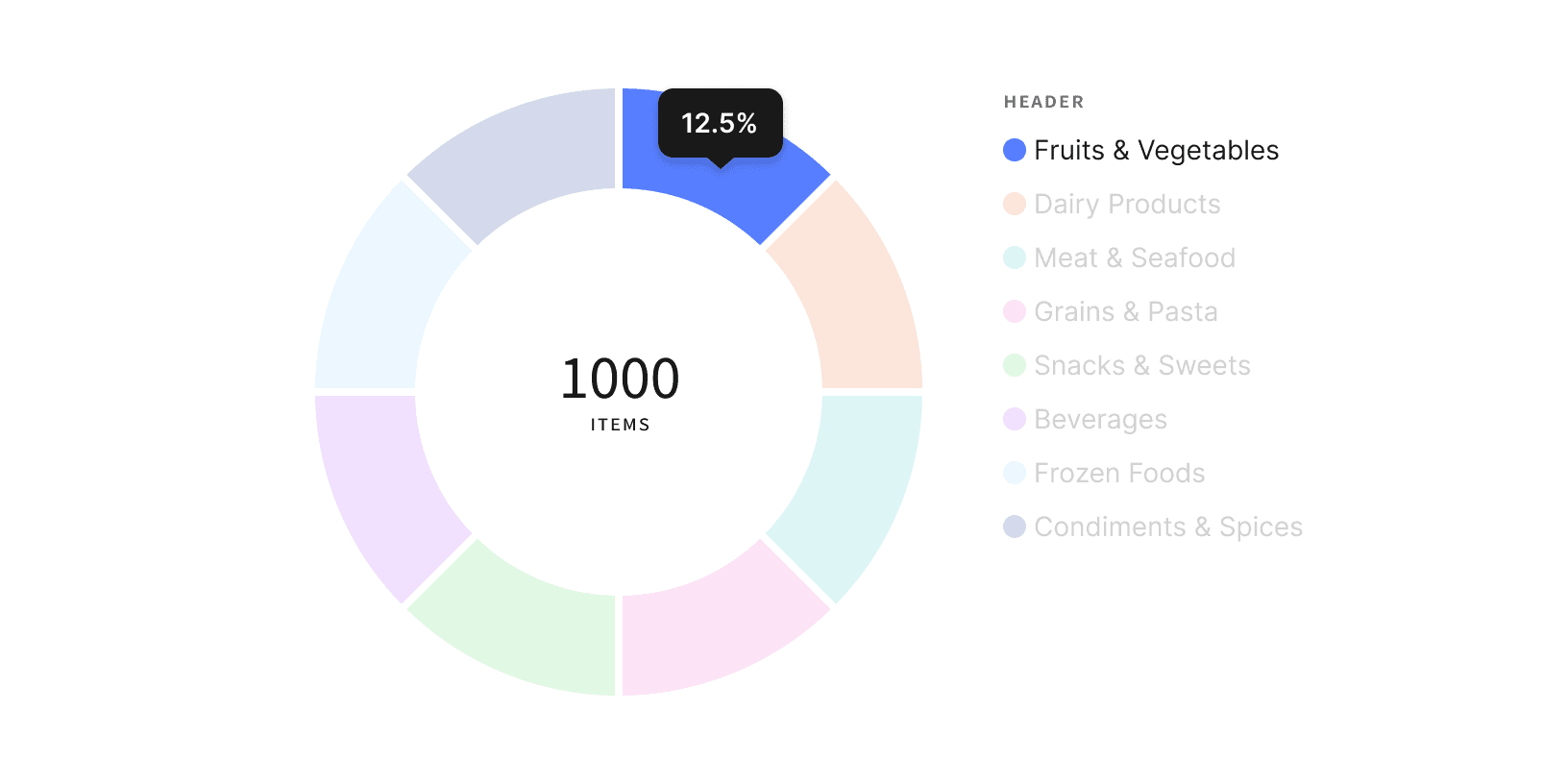
Don't
Data Legend
If a data visual is displaying multiple values within a single category, provide a legend to define what the different colors represent.
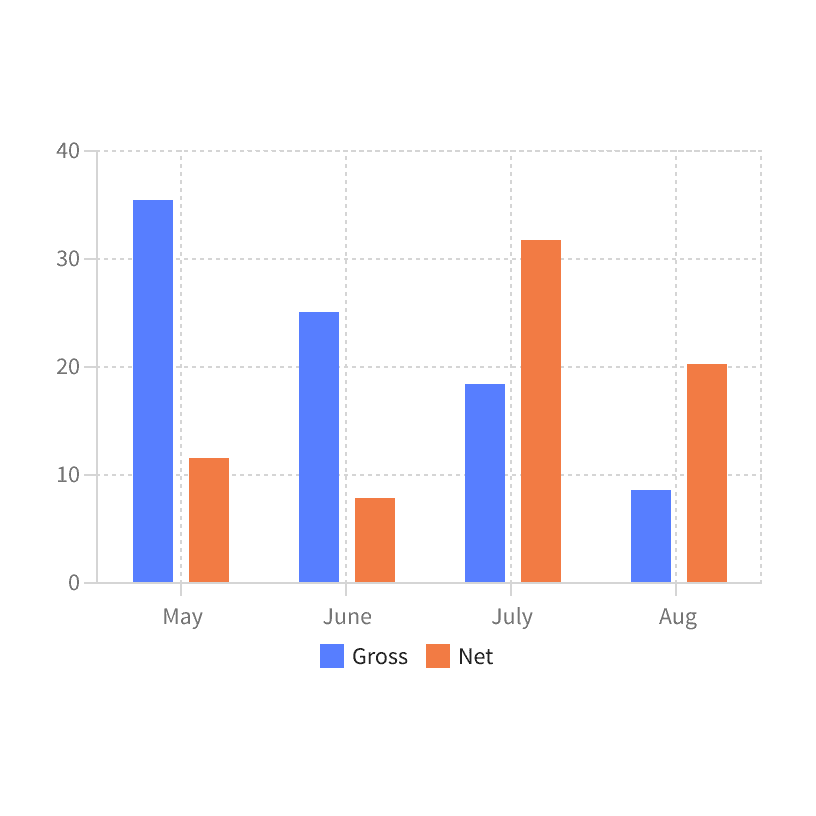
Do
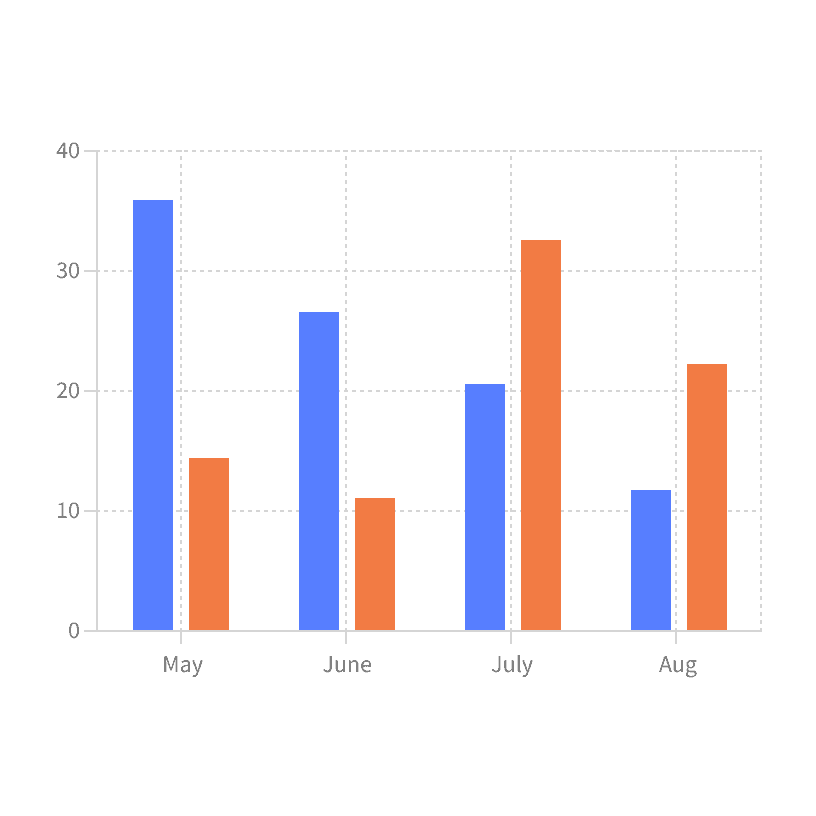
Don't
Tool Tip
Use tool tip to display data values that are directly related to the users cursor position on the data visual. Do not use tool tips to provide generic information about the data visual.
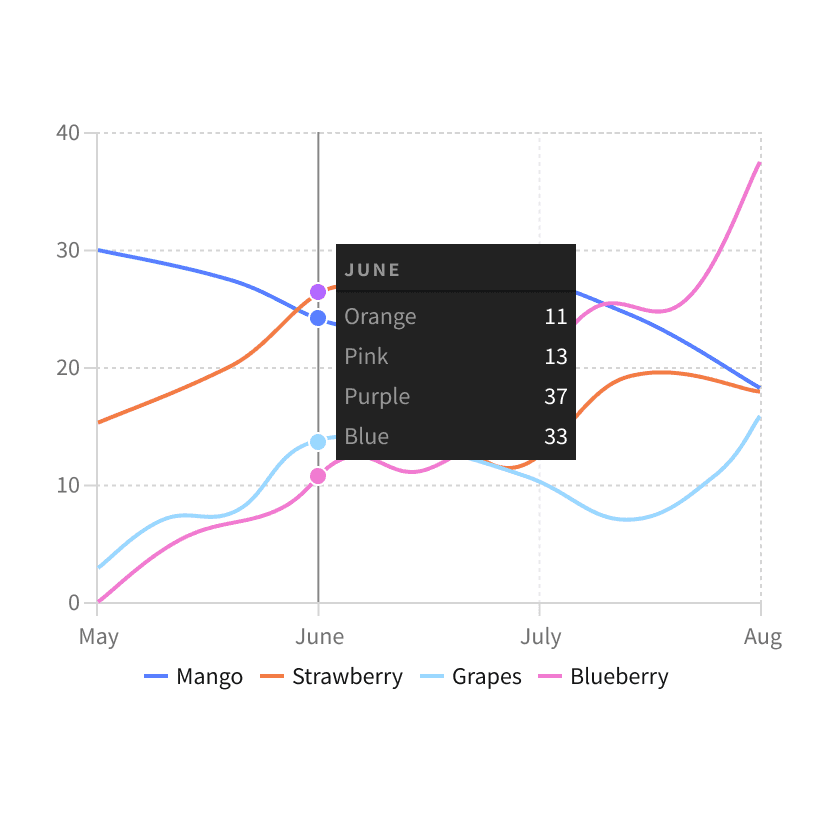
Do
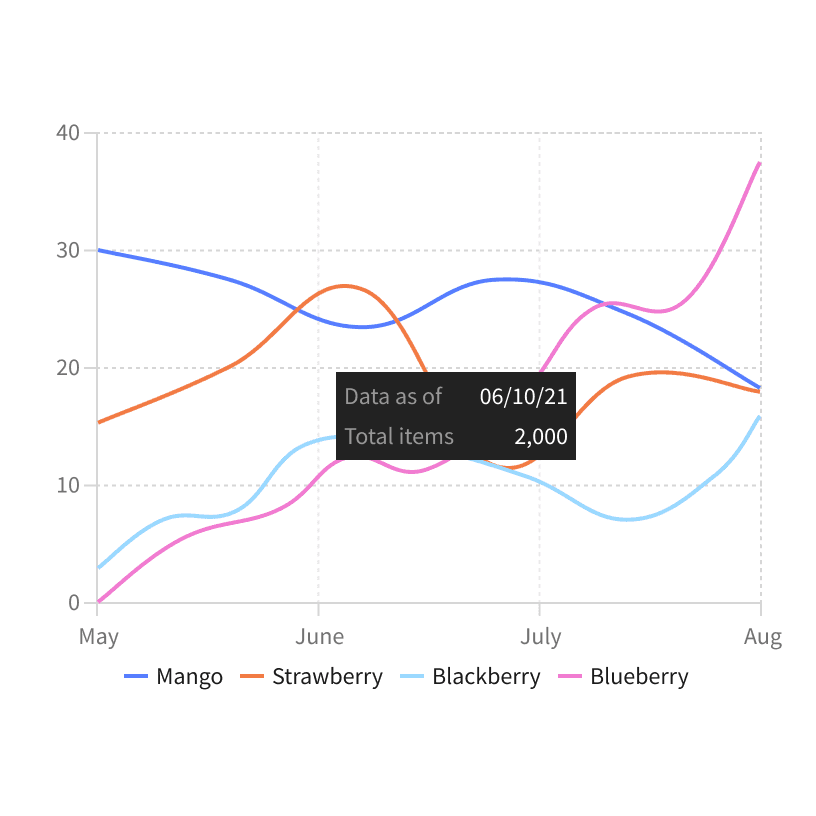
Don't
Y-axis Start
Data visualizations that have a y-axis should always star at zero. Starting with a number value can skew the results and make the visualization misleading.
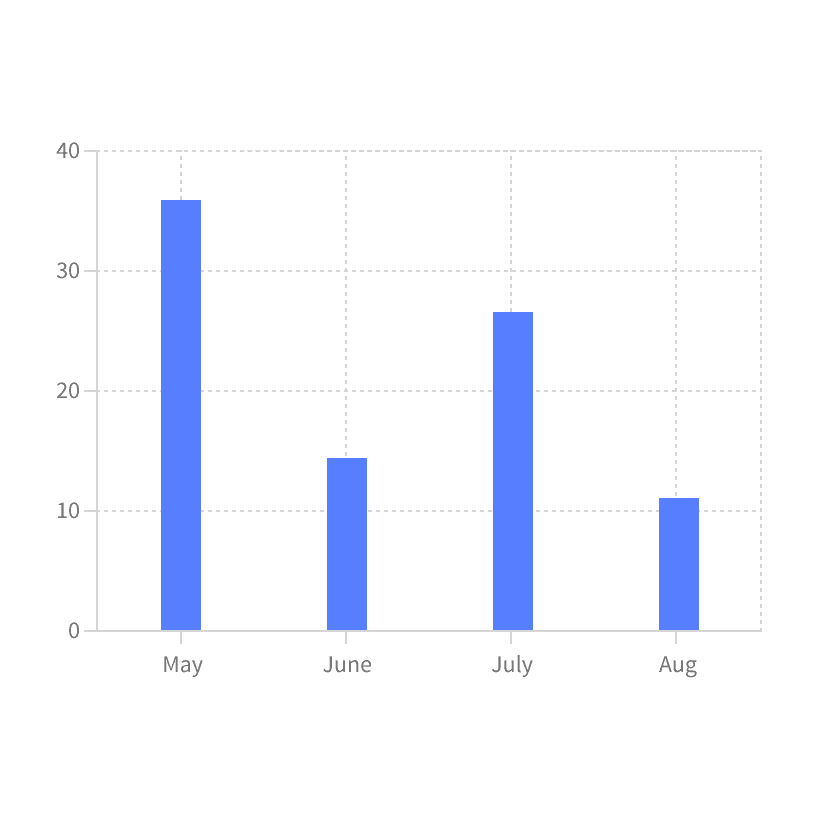
Do
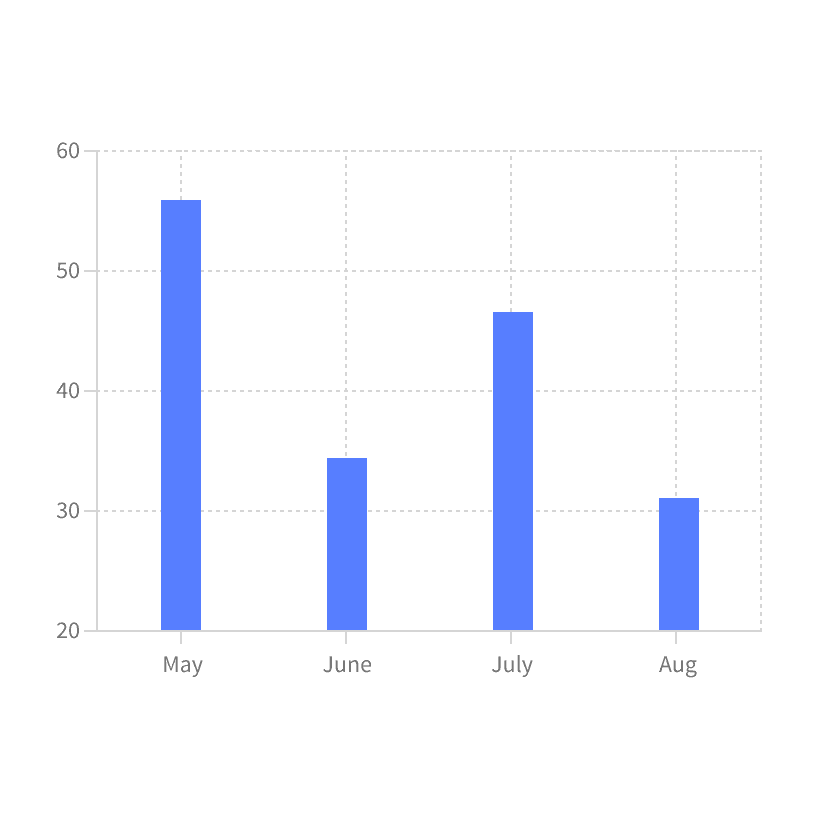
Don't
Empty States
All data visuals should use appropriate Empty States that explain why the visual is not displayed.

Do
Don't
More
Additional Reading
How to Choose Colors for Your Data Visualizations https://medium.com/nightingale/how-to-choose-the-colors-for-your-data-visualizations-50b2557fa335
Data Visualization – Best Practices and Foundations https://www.toptal.com/designers/data-visualization/data-visualization-best-practices