Ready
Import
Importing allows users to effortlessly incorporate external data into their data and workflows, ensuring a swift and efficient process.
Best Practices
1
Layout
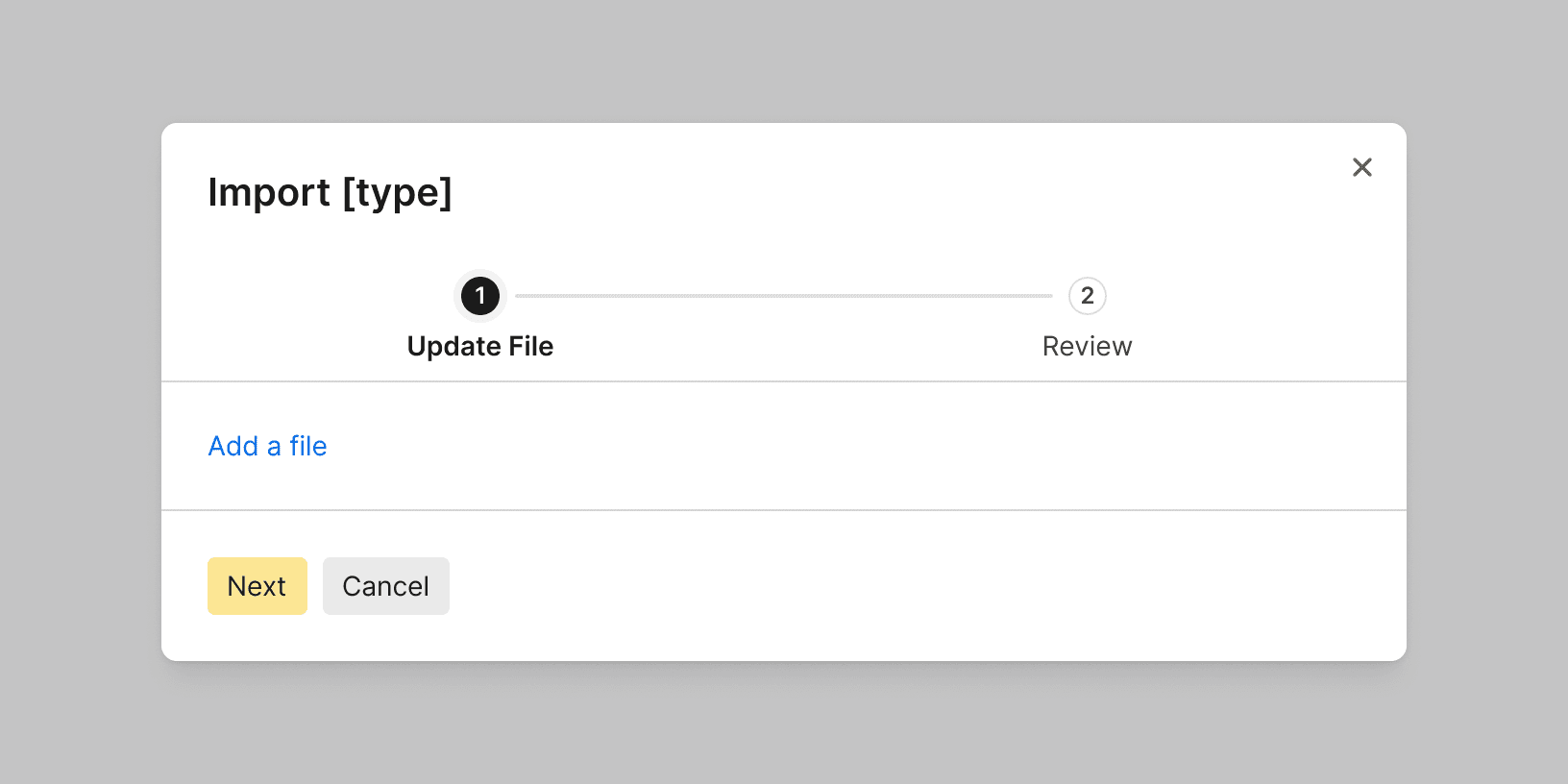
Use consistent and intuitive layout and navigation. Importing files into Basis is typically done using a modal to help users focus on the task.
2
Labels
Clearly label and provide contextual information for each step of the process. This can be done using a step progress bar.

Do
3
Drag-and-drop
Use a file drop to allow users to simply drag files into the interface to upload them. Use the file drop help text to explain any file type or size requirements. ¹

Do
Don't
4
Progress Bar
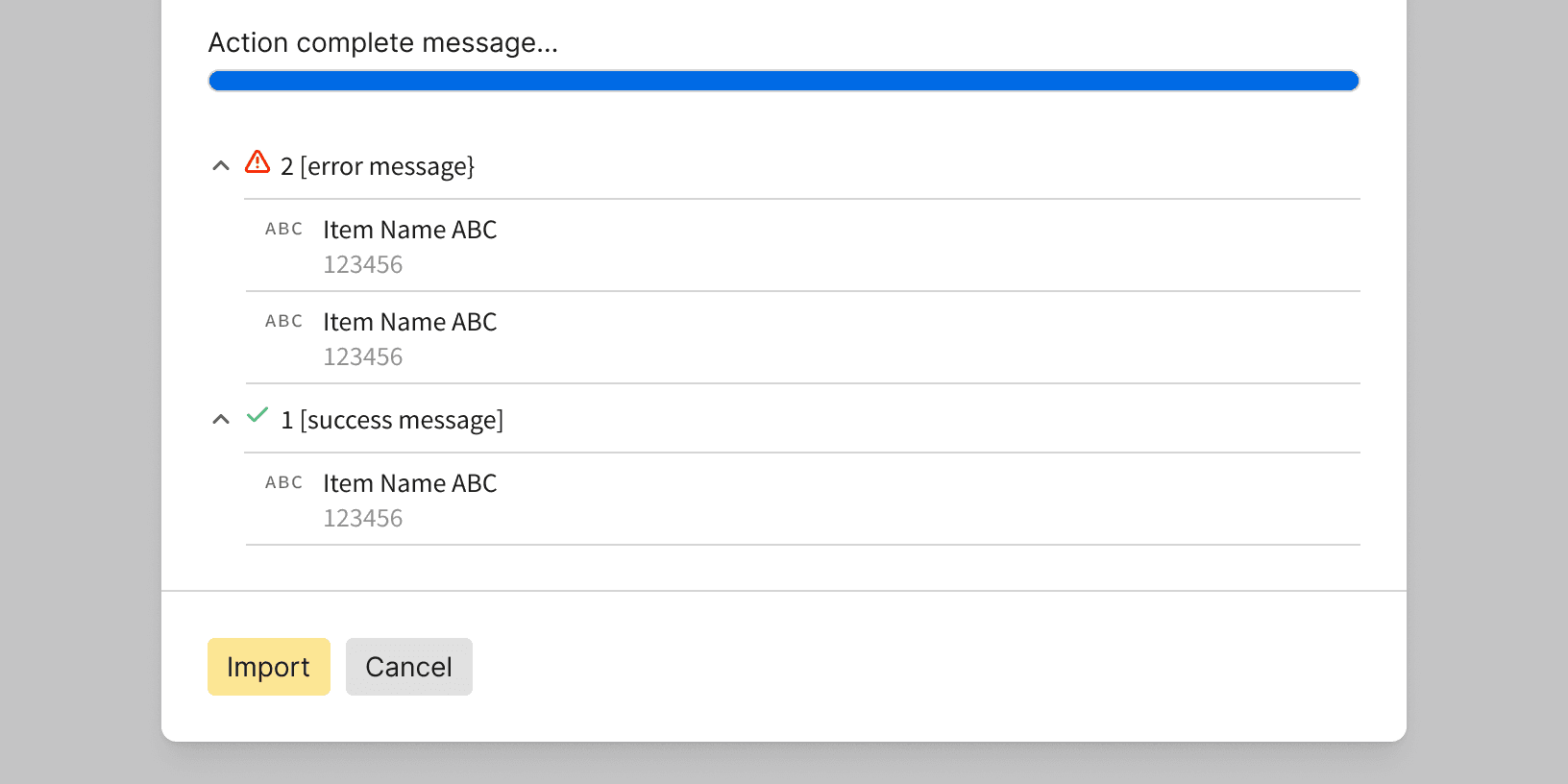
Include a progress bar or visual indicator to keep users informed of the import progress.

Do
5
Feedback
Provide immediate feedback on import errors. Provide additional information or links to help users correct any issues. ¹
Do