In Progress
Customize Columns
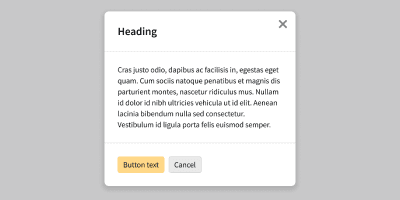
The customize columns modal pattern allows users to efficiently and conveniently select and order columns in a data table
Anatomy

Modal
Tabs Stacked: Navigated between column categories
Dynamic Search: Search column keywords
Checkboxes: Select and deselected available comuns
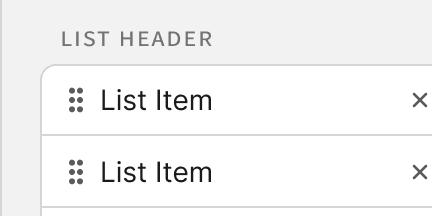
Draggable List: Organize selected columns


Best Practices
1
Keep the modal focused on one task
Customize Columns is for choosing and ordering columns, nothing else. Keep the body to search, tabs, checkboxes, and the draggable list. Don’t open another modal from this one.
2
Show everything selected in one place
Tabs group columns by category, but the draggable list should always reflect every selected column across all categories.
3
Apply on confirm, discard on cancel
Hold all changes in the modal until the user selects Apply. Cancel, Esc, and the close icon all discard changes. Use one primary button (Apply) and one secondary (Cancel).