Content
1
Language
Quick Filter labels should use real-world language that aligns with the terms commonly used by users.² Keep filter labels short and concise.
Use sentence case.

Do

Don't
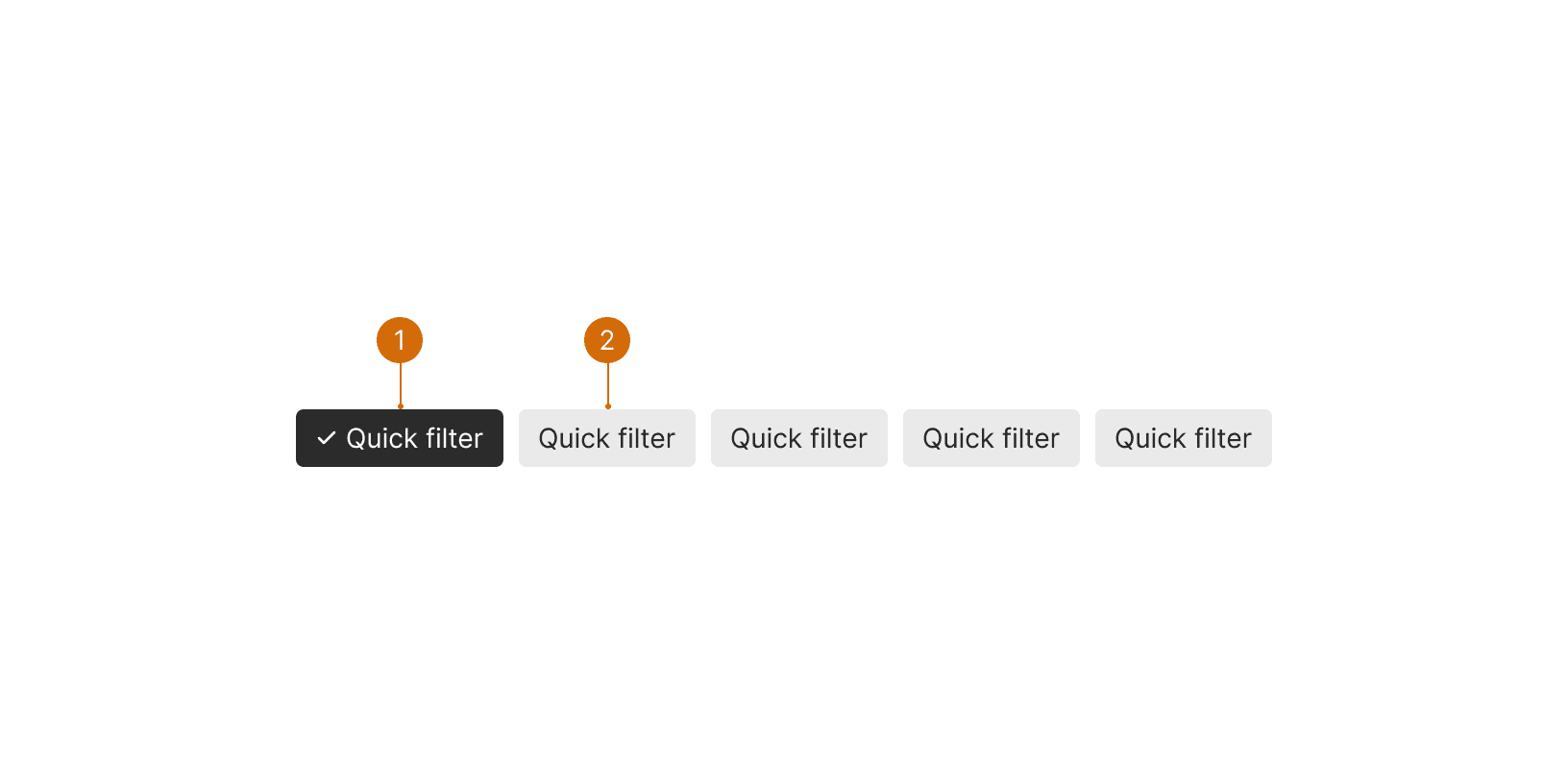
Pill: Selected
Pill
Use Quick Filters when you want to offer a simpler and easier-to-learn filter experience. ¹ The filter bar and filter panel offer advanced filtering but may overwhelm more novice users.
Conduct research to identify the most commonly used filters or those that would be most beneficial to users. ¹²
Quick filters should be placed directly above the filtered content to facilitate a visual connection for users. ¹
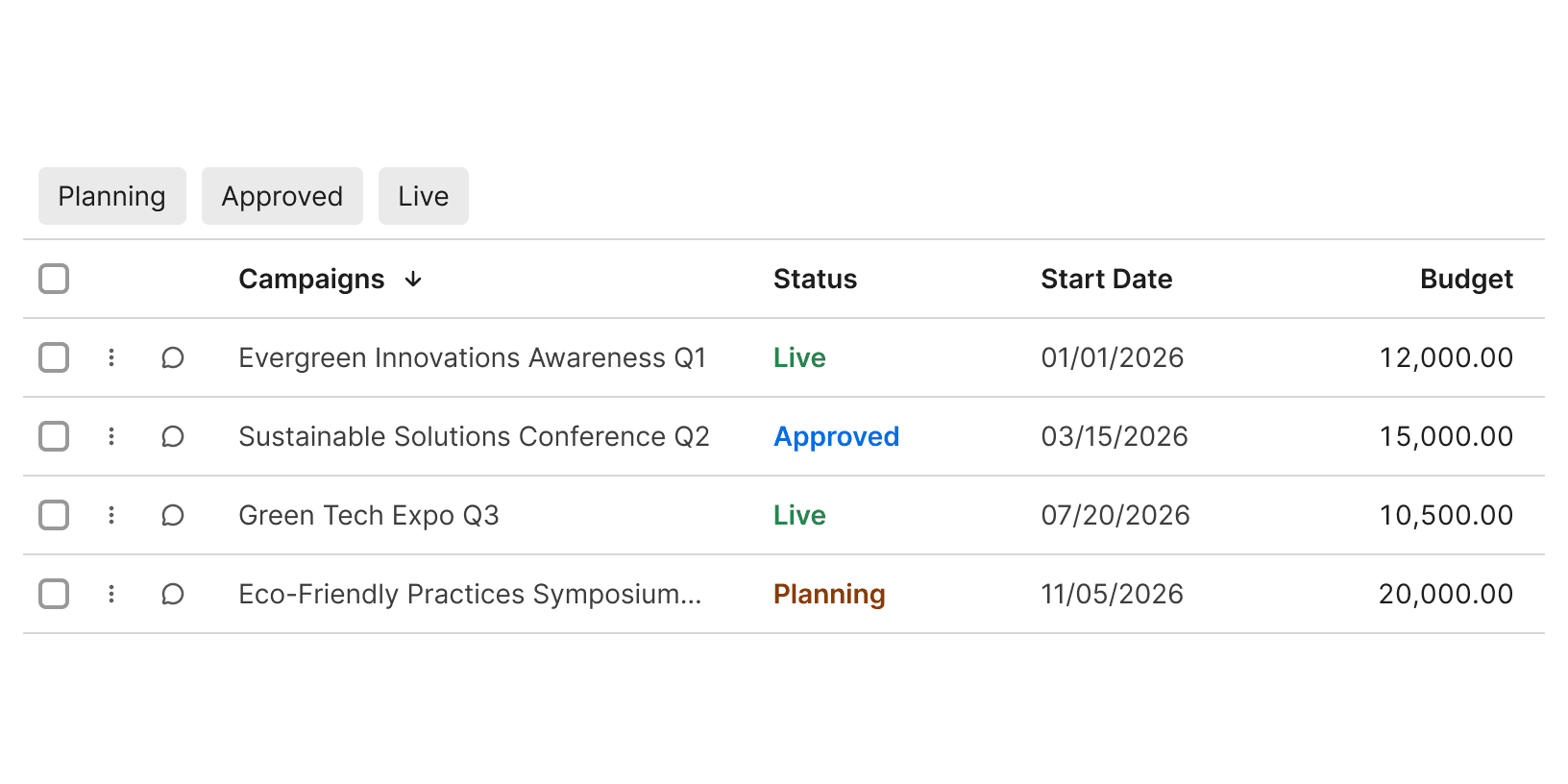
Do
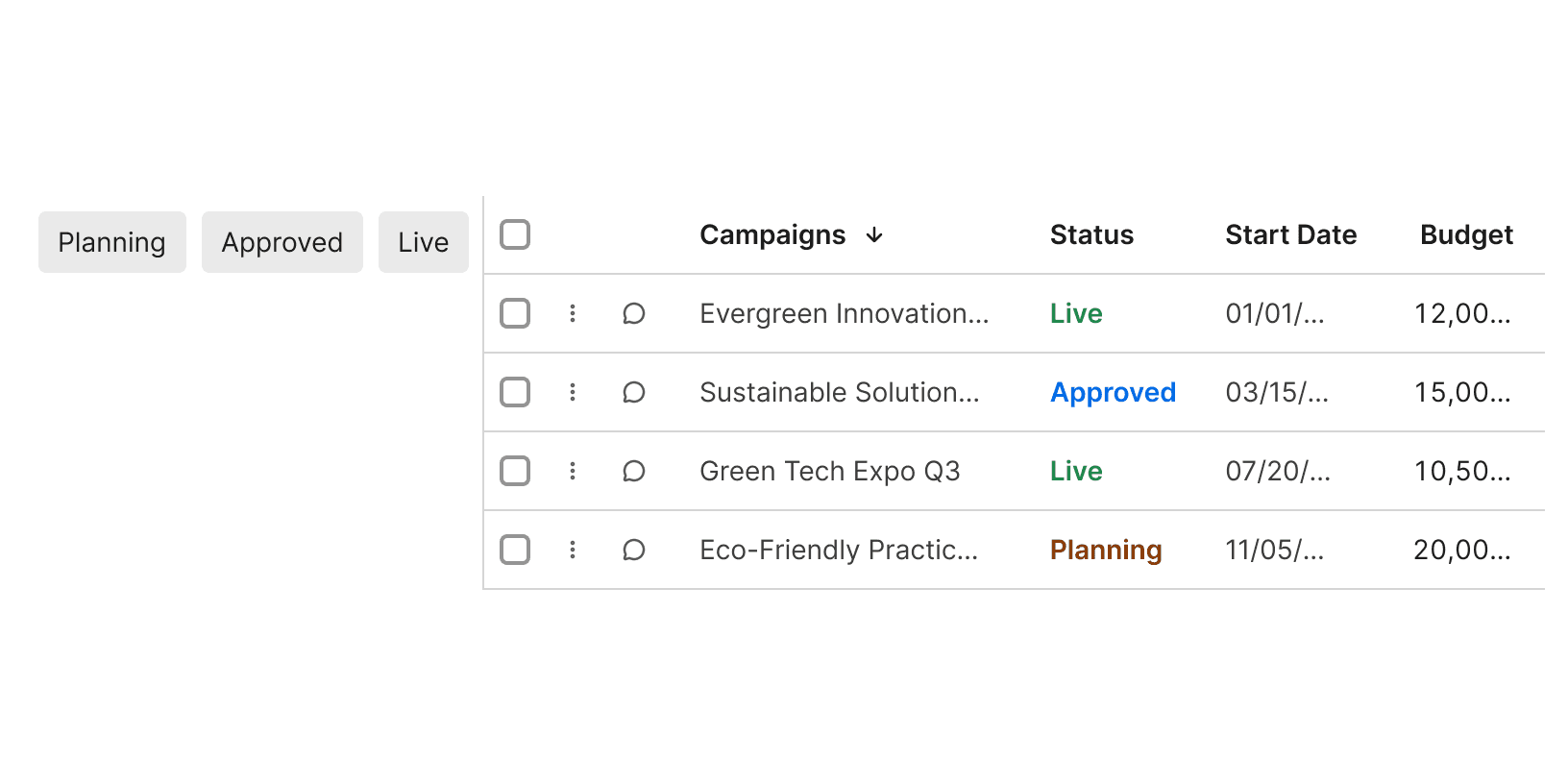
Don't
Minimize the number of choices to avoid overwhelming the user. ³
If your users are a mix of novice and experts, consider providing both Quick Filters and a Filter Bar. Changes made to Quick Filter selections should be reflected in the Filter Bar.
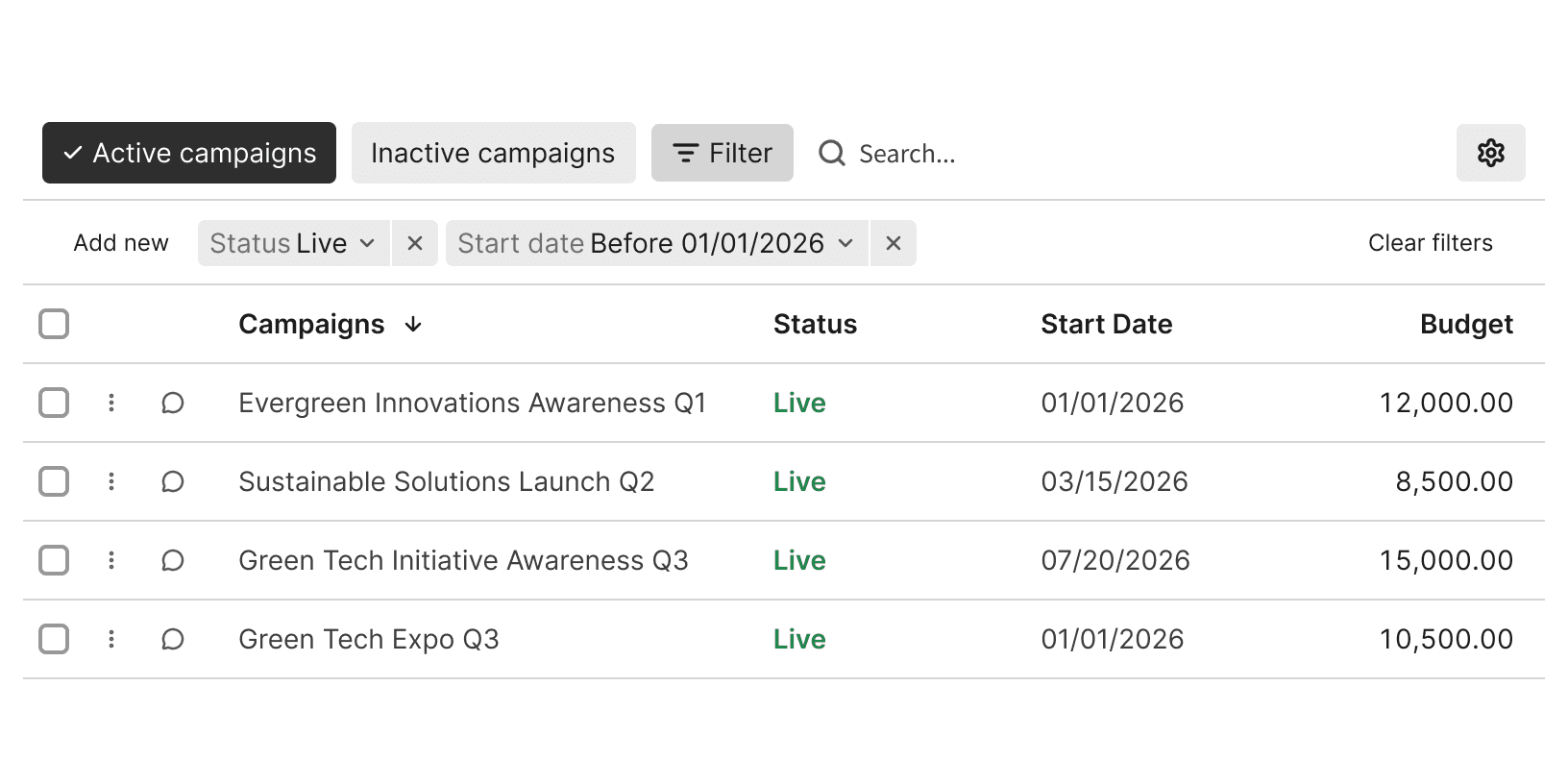
Do
Quick Filter labels should use real-world language that aligns with the terms commonly used by users.² Keep filter labels short and concise.
Use sentence case.
Do
Don't
Filter UX Design Patterns https://www.pencilandpaper.io/articles/ux-pattern-analysis-enterprise-filtering
How to craft a kickass filtering UX https://uxdesign.cc/crafting-a-kickass-filtering-ux-beea1798d64b
Filter UI and UX 101 – An In-Depth Guide https://www.uxpin.com/studio/blog/filter-ui-and-ux/