Ready

Dynamic Search

Dynamic Search allows users to search across multiple data sets and receive instant results as they type.

Ready

Dynamic Search

Dynamic Search allows users to search across multiple data sets and receive instant results as they type.

Anatomy

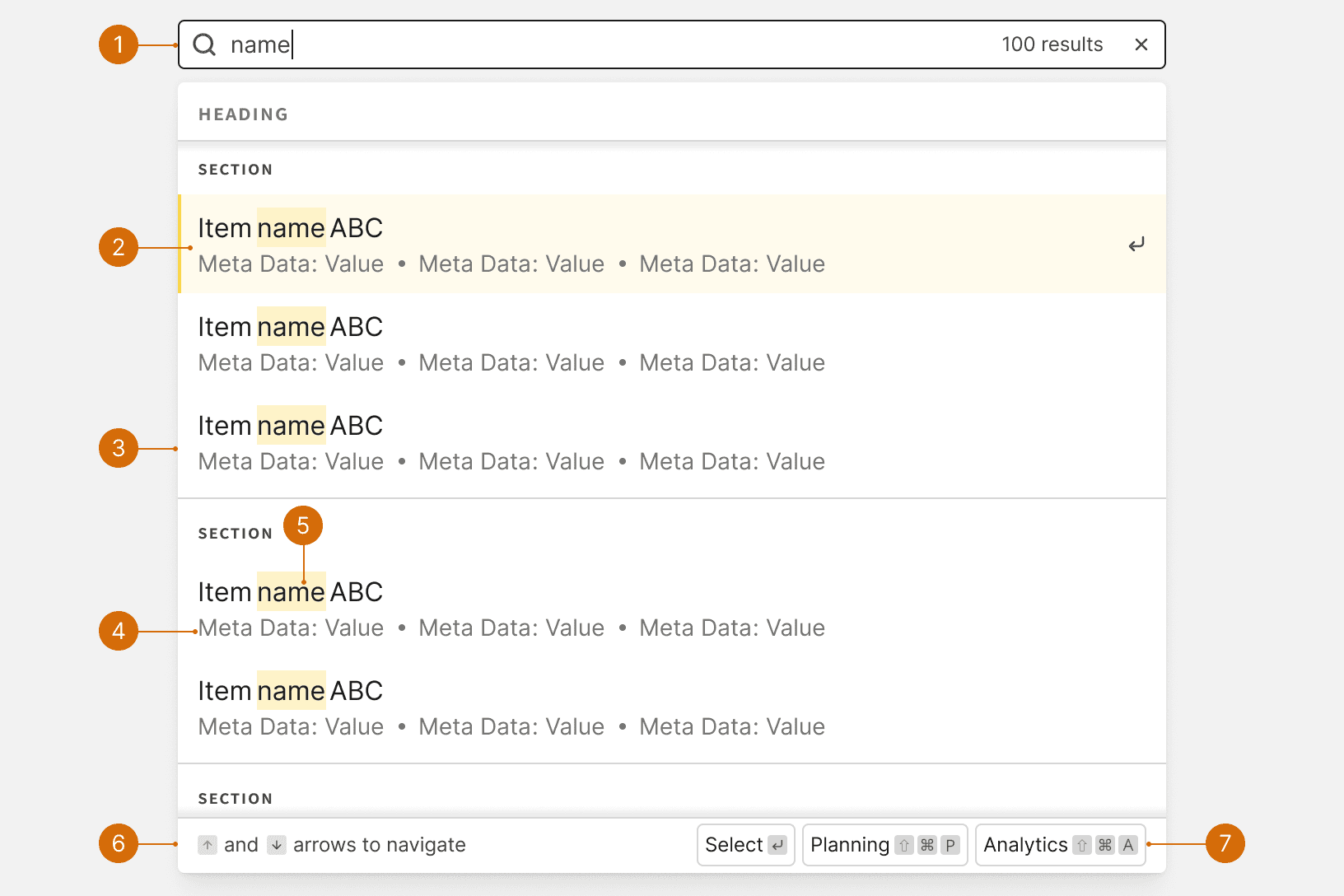
  1. Input

  2. Keyboard navigation indication

  3. Dropdown

  4. Matching characters

  5. Item meta data

  6. Item shortcuts

Variants

  1. Results

  2. Multi Select

  3. Recent Searches

Empty and Loading

  1. No Recent Searches

  2. No Results

  3. Loading

Behaviors

Shortcuts

The shortcut options will change dynamically based on the available options for the result item in-focus.

Best Practices

1

When to Use

The Dynamic Search should only be use to search across multiple, separate sets of data. These data sets can exist in separate tabs or separate pages. To search a single set of data, use a Picklist or a Control Bar with a search field.

2

Make the search input prominent

Ensure the search input is easy to locate and stands out on the UI to encourage users to utilize the feature. The search should be displayed as a "box" using a input as opposed to a link or button. ¹Ensure the search input is easy to locate and stands out on the UI to encourage users to utilize the feature. The search should be displayed as a "box" using a input as opposed to a link or button. ¹

Do

Don't

App Search

When used as an app-wide search, the input should be displayed in the App Header and should be accessible from every page. The Dynamic Search should be used to search across a wide range of app content. ³

Do

4

Use Categories

Use Sections and Dividers to group related results into categories to help users quickly scan the results. ²

Do

Don't

Content

1

Placeholder text

Placeholder text in the form input field should inform the users about what they can search for. Include examples if necessary.³
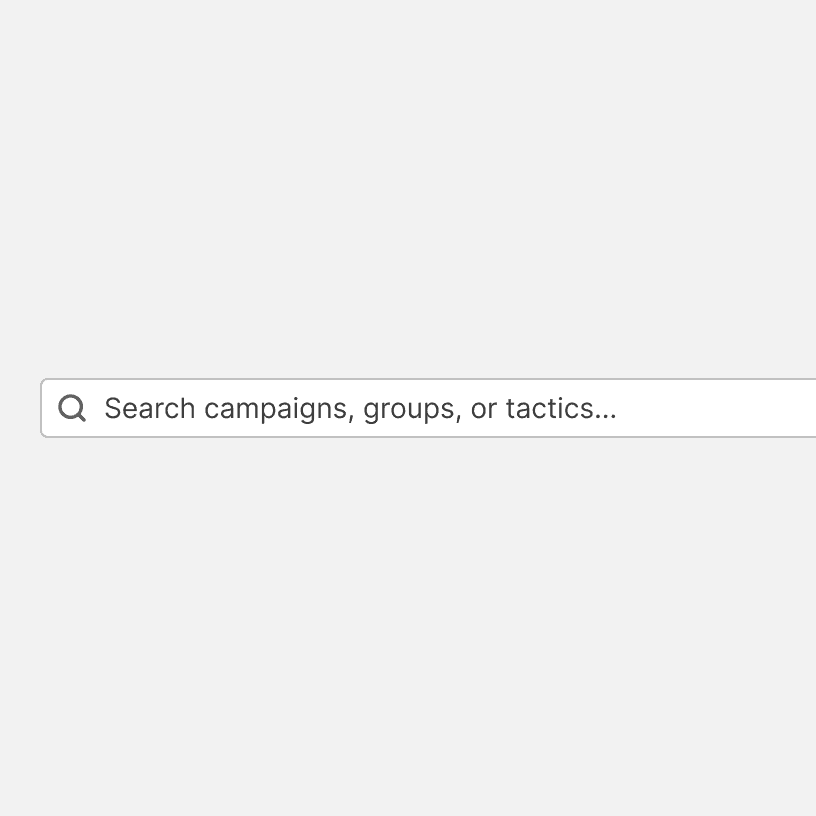
Do
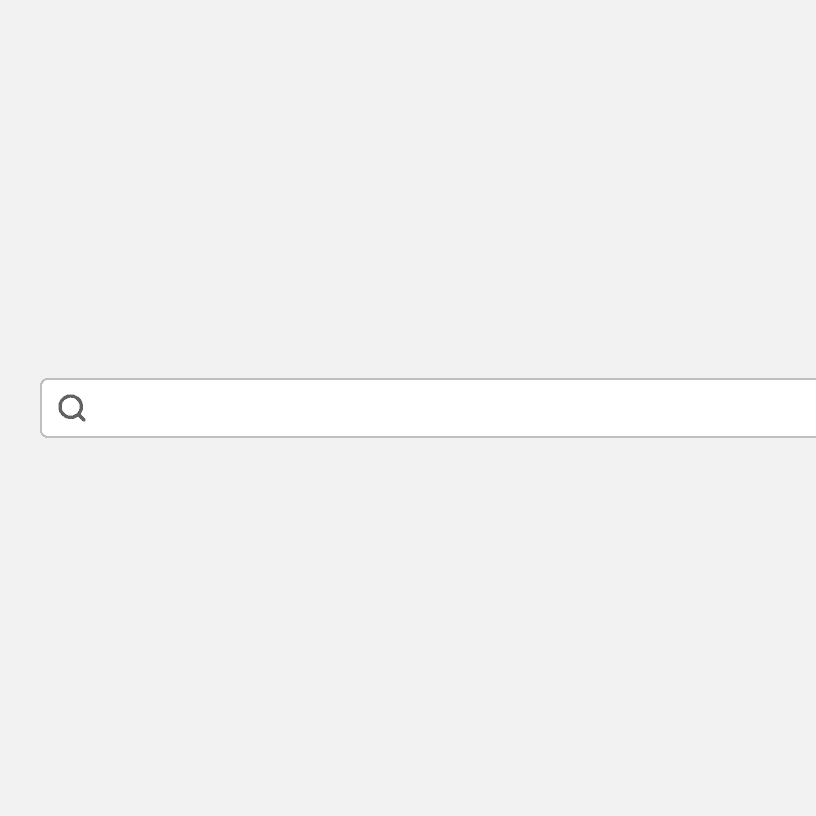
Don't

2

Empty State

Use an empty state if the search returns no results. See Empty State. Example:
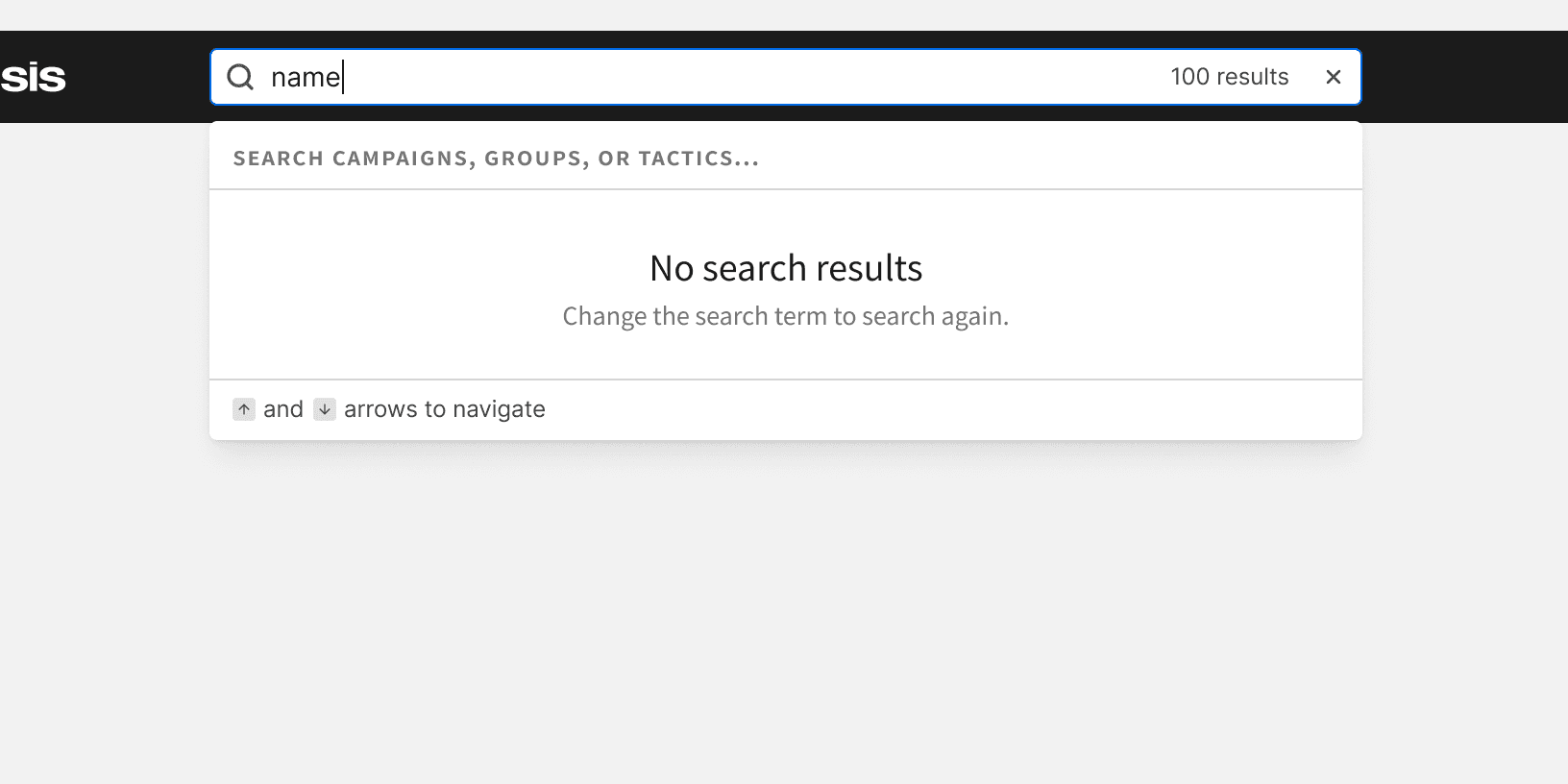
Do

More

Related Pages

Additional Reading

© 2026 Basis Technologies