Content
1
Accorions
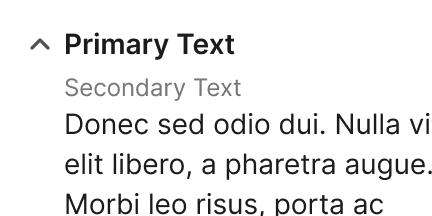
If the panel includes a lot of additional help content, you can use accordions to sort the information.
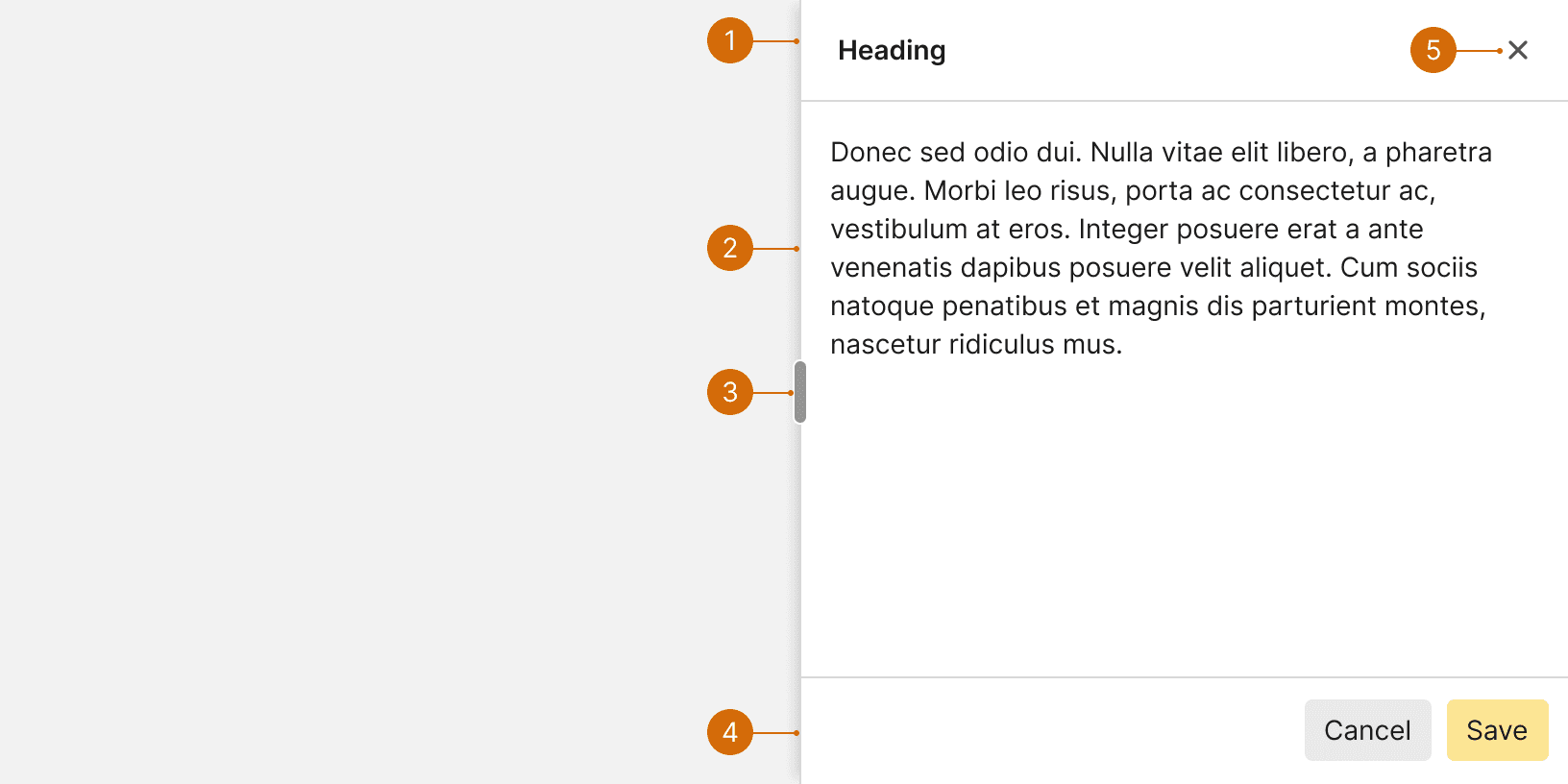
Heading
Body
Resize control
Footer
Close
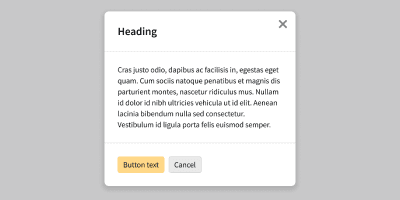
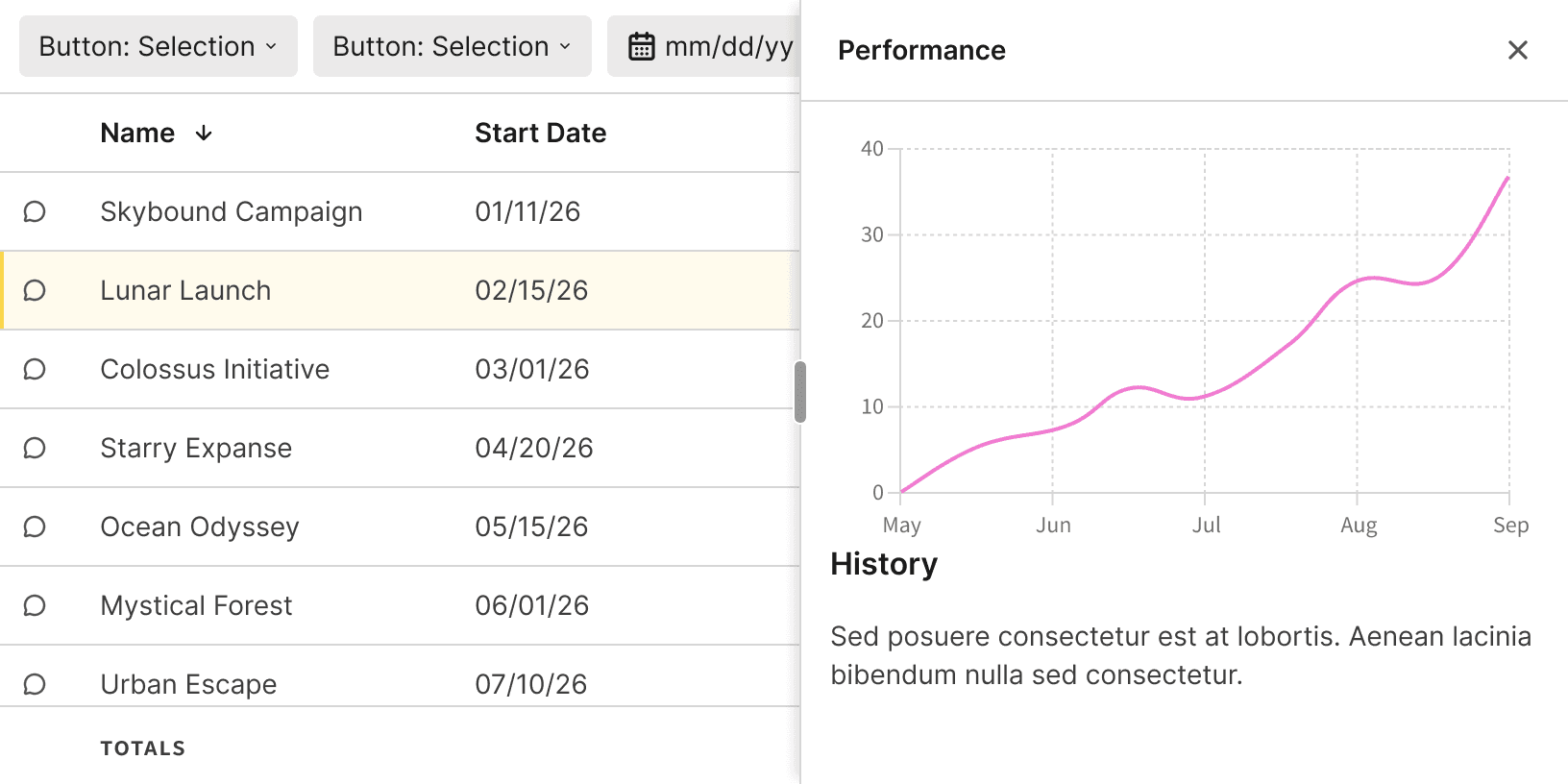
Use the panel when you would like the main content of the page to remain visible. If the page content does not need to be visible, use a Modal instead to help the user remain focused on the given task.
The panel may provide supplementary information, view controls or creation forms. The panel should not contain complex data.
Do

Don't
If the panel includes a lot of additional help content, you can use accordions to sort the information.